For most businesses, technology is no longer just a background function. Email, cloud platforms, customer data, cyber security, devices, networks and business applications all play a role in day-to-day operations.
That is why understanding what IT Services and Support actually include is important before choosing a provider or reviewing your current setup.
The term can cover a wide range of services, from fixing everyday technical problems to proactively monitoring systems, managing cyber security, supporting cloud platforms and helping businesses plan future technology needs.
This article breaks down the typical components of IT Services and Support so Australian businesses can better understand what they should expect and what questions they should ask.
At a Glance
IT Services and Support may include:
- Help desk and technical support
- Computer and device management
- Network support
- Cloud and Microsoft 365 support
- Cyber security services
- Backup and disaster recovery
- Software updates and patching
- User account and access management
- IT monitoring and maintenance
- Technology planning and consulting
Not every provider includes every service in the same package, so it is important to understand what is covered before signing an agreement.
Want to know what each of these services actually means in practice? Keep reading.
1. Help Desk and Technical Support
This is probably the part of IT support most employees notice first.
When someone cannot access email, connect to Wi-Fi, open a business application or remember a password, they need somewhere to go for help.
A professional IT help desk may assist with:
- Password resets
- Email issues
- Printer problems
- Software errors
- Slow computers
- Remote access
- Login problems
- Device setup
Support may be provided by phone, email, remote access or an online ticketing system.
The goal is straightforward: solve issues quickly and reduce the amount of productive time employees lose to technical problems.
Pro Tip: If your current IT process is “ask the person in the office who knows computers”, you may already need a more structured support system.
2. Device and Computer Management
Modern workplaces may have dozens or hundreds of devices.
These can include:
- Laptops
- Desktop computers
- Mobile phones
- Tablets
- Servers
- Network equipment
IT Services and Support often include maintaining these devices throughout their lifecycle.
That can mean installing software, applying updates, monitoring device health, replacing ageing equipment and ensuring security settings remain consistent.
Good device management also helps businesses standardise their technology environment rather than ending up with ten different laptop models running twelve different configurations.
That may sound harmless until something breaks.
Then it becomes an archaeological expedition.
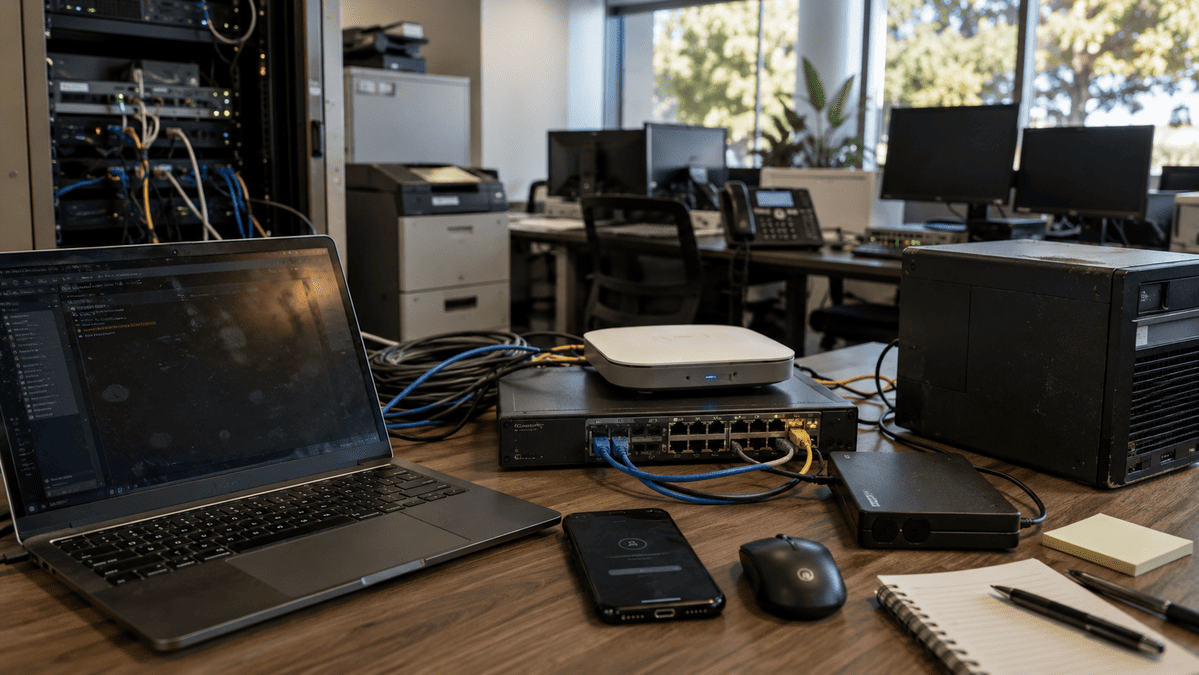
3. Network and Connectivity Support
A business network connects employees to applications, files, cloud services, printers and the internet.
When the network is unreliable, almost everything else becomes harder.
Network support may include:
- Wi-Fi management
- Router and firewall configuration
- Network monitoring
- Internet connectivity troubleshooting
- VPN management
- Office network design
- Performance optimisation
For businesses with multiple locations or remote employees, connectivity can become even more important.
Reliable IT Services and Support should help identify bottlenecks and reduce recurring network problems rather than simply restarting equipment every time something slows down.
4. Cloud and Microsoft 365 Support
Australian businesses increasingly rely on cloud platforms such as Microsoft 365 for email, document storage, collaboration and communication.
Support may include:
- Microsoft 365 administration
- Email configuration
- Teams support
- SharePoint management
- OneDrive support
- User licensing
- Cloud migrations
- Permission management
Cloud systems can simplify business operations, but they still need proper configuration and maintenance.
For example, adding and removing users without a consistent process can eventually create security and licensing problems.
Cloud does not mean “someone else handles everything”.
Businesses still need to manage identities, permissions, devices and data correctly.
5. Cyber Security
Cyber security is now one of the most important elements of IT Services and Support.
Threats can target businesses of almost any size, particularly through email, compromised passwords, malicious links and poorly secured devices.
Typical cyber security support may include:
- Multi-factor authentication
- Endpoint protection
- Email security
- Security monitoring
- Firewall management
- Software patching
- Access controls
- Security awareness guidance
A provider may also help businesses develop processes for responding to suspicious activity or compromised accounts.
Did You Know?
A large number of security problems begin with simple weaknesses such as reused passwords, outdated software or excessive user permissions.
Improving basic security practices can therefore make a significant difference.
6. Backup and Disaster Recovery
Backups are essential, but having a backup is only part of the equation.
A business also needs to know whether the data can actually be restored.
IT Services and Support may include:
- Automated backups
- Cloud backups
- Backup monitoring
- Recovery testing
- File restoration
- Disaster recovery planning
A good backup strategy should consider both everyday mistakes and more serious events.
For example, recovery may be required after:
- Accidental deletion
- Hardware failure
- Ransomware
- System corruption
- Business interruption
The key question is not simply:
“Do we have backups?”
It is:
“How quickly could we recover the systems we depend on?”
7. Software Updates and Patch Management
Software updates are easy to postpone.
Unfortunately, postponing them for long enough can create performance and security risks.
Patch management involves keeping operating systems and applications updated in a controlled way.
This can include:
- Windows updates
- Security patches
- Browser updates
- Application updates
- Firmware updates
Managing updates centrally can reduce disruption and help ensure critical security patches are installed consistently.
For a growing business, relying on each employee to click “update later” indefinitely is not a sustainable strategy.
8. User Accounts and Access Management
Employees join, change roles and leave organisations regularly.
Each change can affect system access.
IT Services and Support may help manage:
- New employee accounts
- Email addresses
- Application permissions
- Shared folders
- Multi-factor authentication
- Account deactivation
- Password policies
This is especially important when someone leaves the business.
Old accounts that remain active can create unnecessary security risks.
A structured onboarding and offboarding process makes access easier to manage and reduces the chance of accounts being forgotten.
9. Monitoring and Preventative Maintenance
One of the biggest differences between basic technical support and broader IT Services and Support is proactive monitoring.
Instead of waiting until employees report a problem, systems can be monitored for potential issues.
Monitoring may identify:
- Low disk space
- Failed backups
- Device performance problems
- Security alerts
- Offline equipment
- Failed updates
- Network issues
The goal is to fix smaller problems before they become major interruptions.
This can reduce downtime and make IT operations more predictable.
10. IT Planning and Consulting
Technology should support business goals, not exist as a collection of random subscriptions and devices.
IT planning can help businesses decide:
- Which systems should be upgraded
- When hardware should be replaced
- Which cloud platforms are suitable
- How to support future growth
- Where cyber security needs improvement
- Which software subscriptions are still useful
A provider offering broader IT Services and Support may help develop a technology roadmap rather than simply responding to technical requests.
That becomes particularly valuable as a business grows.
Quick Guide: A Growing Business With Increasing IT Complexity
Imagine an Australian business that has expanded from a small team to several departments.
More employees have been hired, remote work has increased and the company now uses several cloud applications.
Nothing is completely broken, but managing technology is becoming harder.
Common Challenges
- Are employees experiencing more support issues as the team grows?
- Are user permissions becoming difficult to track?
- Are backups, security and software updates managed consistently?
How to Solve It
Create a Technology Inventory
Document devices, software, users and cloud systems so you know what needs to be managed.
Standardise Support Processes
Give staff one clear method for requesting IT assistance.
Improve Security Controls
Apply consistent multi-factor authentication, patching and account management.
Plan Ahead
Create a technology roadmap so future upgrades are deliberate rather than emergency purchases.
Why It Works
This approach turns IT from a collection of individual problems into a managed business function.
Systems become easier to support, staff know where to get help and technology decisions become more consistent.
Quick Quiz: How Complete Is Your IT Support?
Answer yes or no.
- Do employees have a clear way to request IT help?
- Are all business devices monitored and updated?
- Is multi-factor authentication used consistently?
- Are backups monitored and tested?
- Are former employee accounts disabled promptly?
- Do you have a documented disaster recovery process?
- Is someone responsible for reviewing your future technology needs?
Results
6–7 Yes:
Your IT environment appears reasonably structured.
3–5 Yes:
There may be some important areas worth reviewing.
0–2 Yes:
Your business may benefit from a more comprehensive IT Services and Support model.
FAQs About IT Services and Support
Are IT Services and Support the same as IT help desk support?
Not necessarily.
A help desk usually focuses on resolving employee technical issues.
Broader IT Services and Support can also include infrastructure, cyber security, cloud management, backups, monitoring and technology planning.
Can small businesses use professional IT Services and Support?
Yes.
Small businesses often outsource IT because maintaining a full internal IT department may not be practical.
The right level of support depends on the complexity of the business rather than simply the number of employees.
What should be included in an IT support agreement?
Check areas such as:
- Support hours
- Response expectations
- Included services
- Cyber security coverage
- Backup responsibilities
- Monitoring
- Onsite support
- Additional charges
The agreement should make it clear which responsibilities belong to the provider and which remain with your business.
How often should IT systems be reviewed?
Routine monitoring may happen continuously, while broader technology reviews may be conducted periodically.
The important point is that IT should not be reviewed only after something has gone wrong.
Can IT Services and Support help with business growth?
Yes.
A well-managed IT environment can make it easier to onboard staff, introduce new systems, support remote work and expand operations without creating unnecessary technology complexity.
Conclusion
IT Services and Support cover much more than fixing computers when something stops working.
For Australian businesses, a comprehensive IT support model may include help desk services, device management, cloud platforms, cyber security, backups, network support, monitoring and long-term technology planning.
The exact mix will depend on the size, systems and operational needs of the business.
The most important step is understanding what your organisation actually relies on and making sure those systems are properly supported. When technology is managed proactively, employees can spend less time troubleshooting and more time focusing on the work the business was created to do.